Event photography, together
Yane
Memories
Guests shoot from their phones. You keep one album. Reveal the night when you are ready.
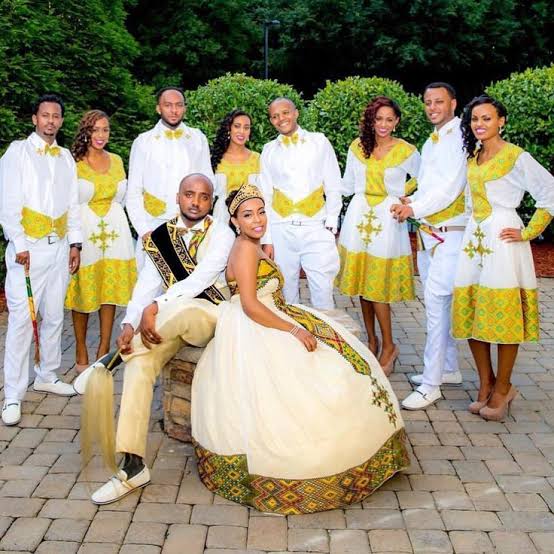


Guest shots, stacked like the night they came in.
How it works
From invite to album in four steps
01
Create the event
Name, dates, covers, guest limit, and how many shots each person gets.
02
Share a QR
Print it on a table card. Guests open the event on their phone — no app install.
03
They shoot live
Camera stays off until the event starts. Then a full-screen capture, like a photo booth.
04
Reveal together
Hold the gallery until a reveal time, or show photos as they come in.
Product
Built for the night, not a photo dump
Live camera
Guests capture in a full-screen camera with flip, gallery import, and a remaining-shot counter.
Guest albums
Each person gets their own stack of photos. Names stick to the album, not a shared dump.
Reveal later
Hold guest photos until after the event — counted in days, hours, and minutes from the end.
Private nights
Require sign-in, cap the guest list, or keep the event off the public page.
QR on the table
Print a code that opens capture on any phone. HTTPS keeps the live camera working.
Organizer dashboard
Covers, guest settings, albums, and photos in one place — you always see shots, even before reveal.
Pricing
Simple plans. Pay in ETB.
Sample sizes, or set guests, photos, and days on cloud for one event.
Loading plans…